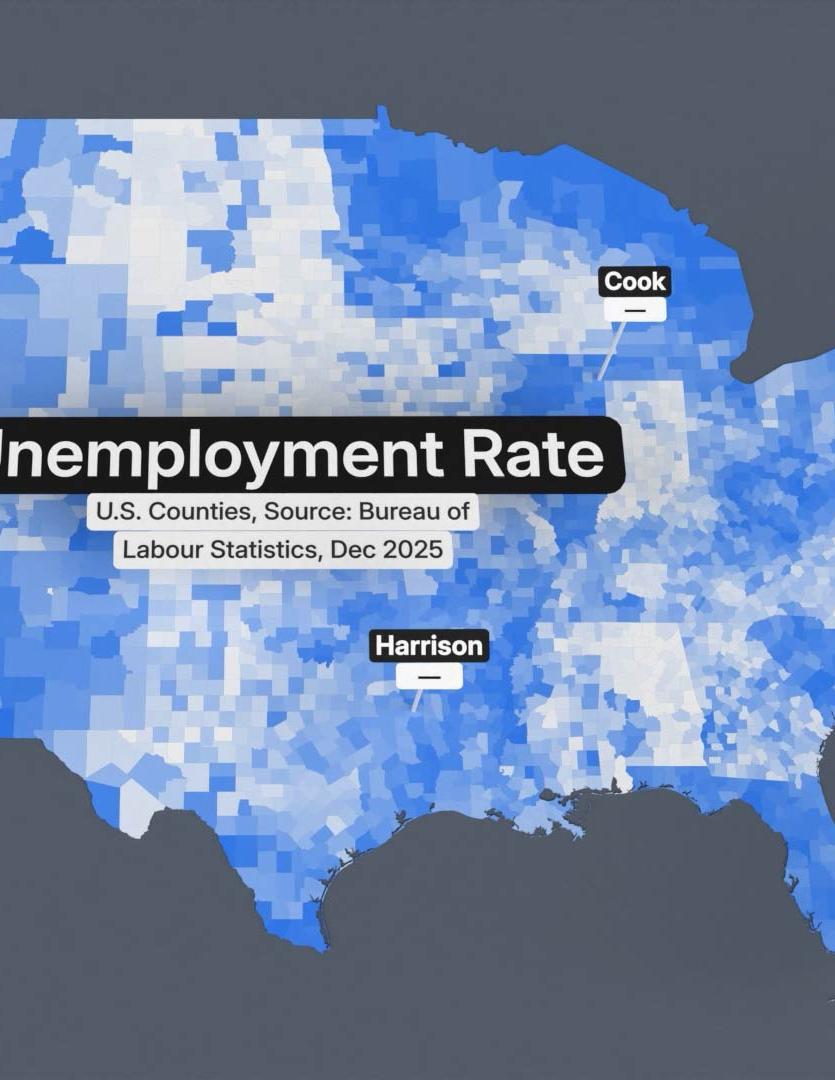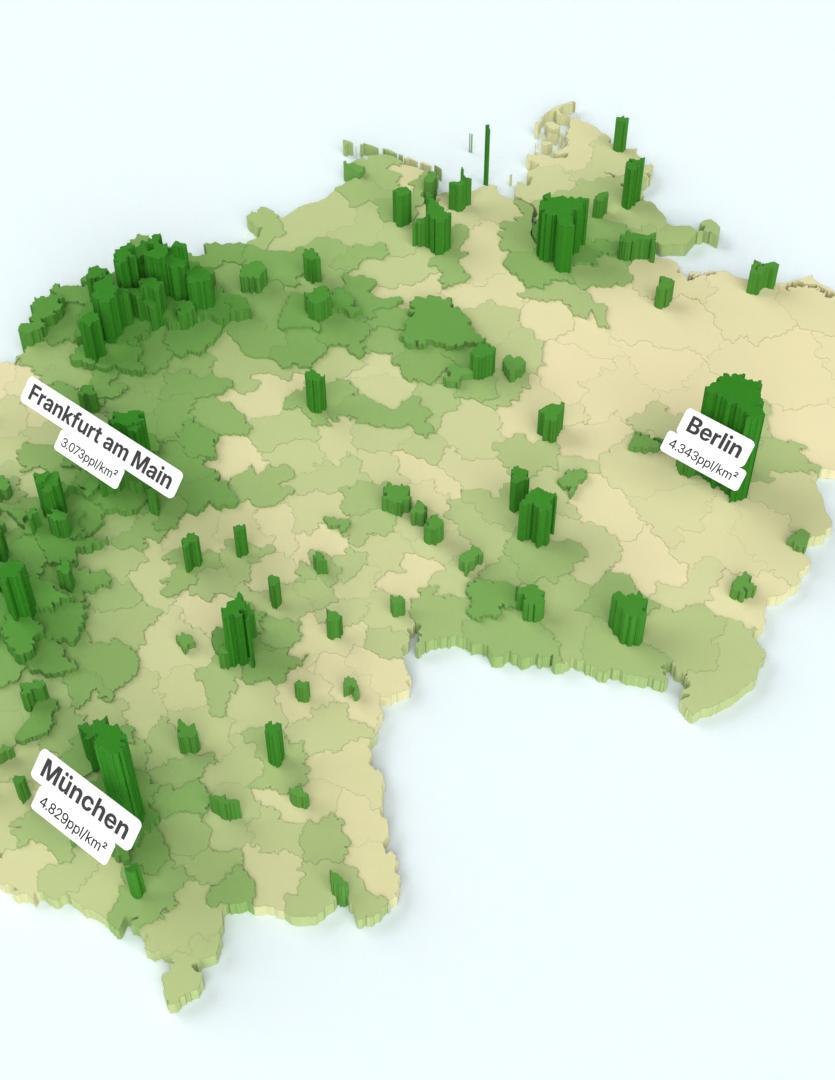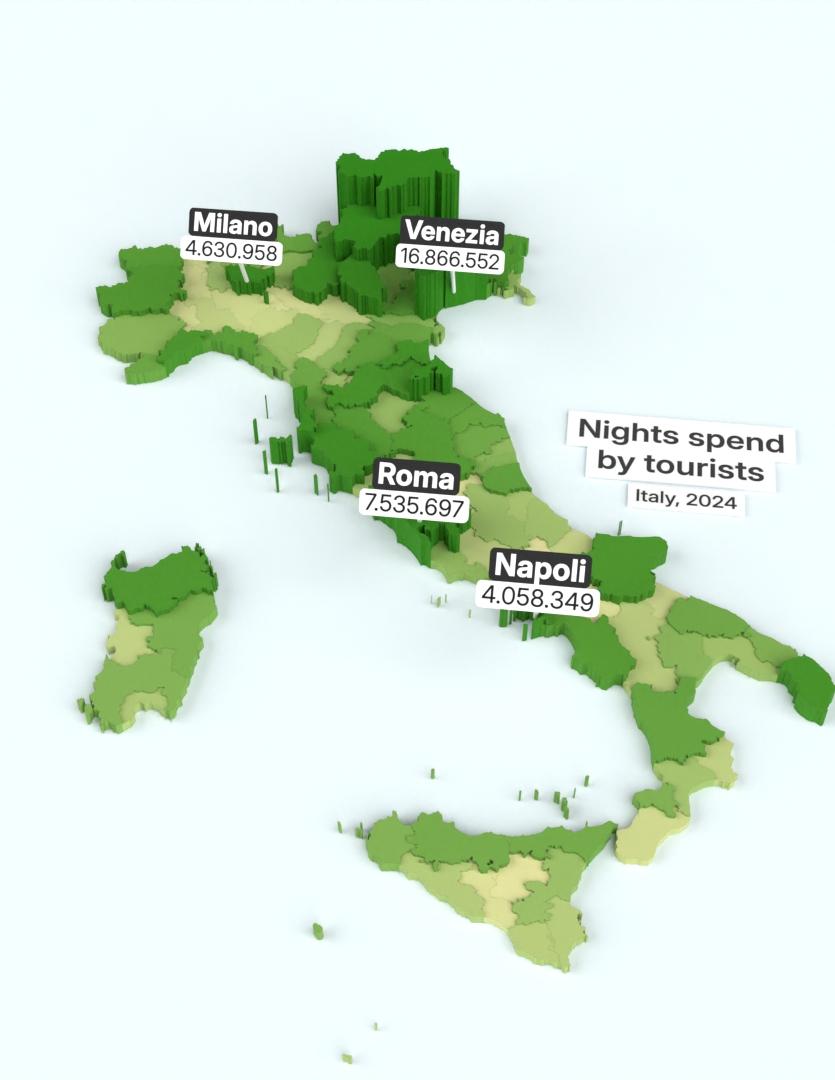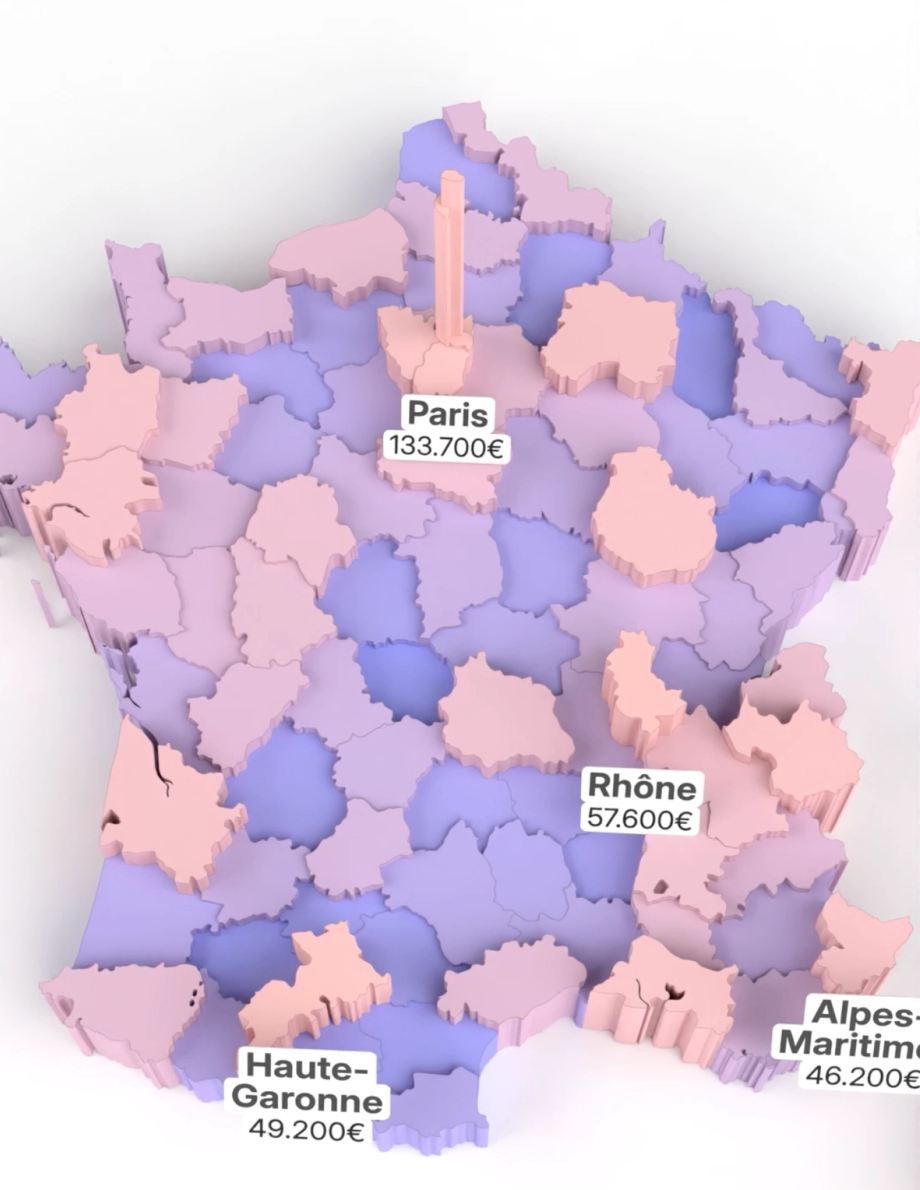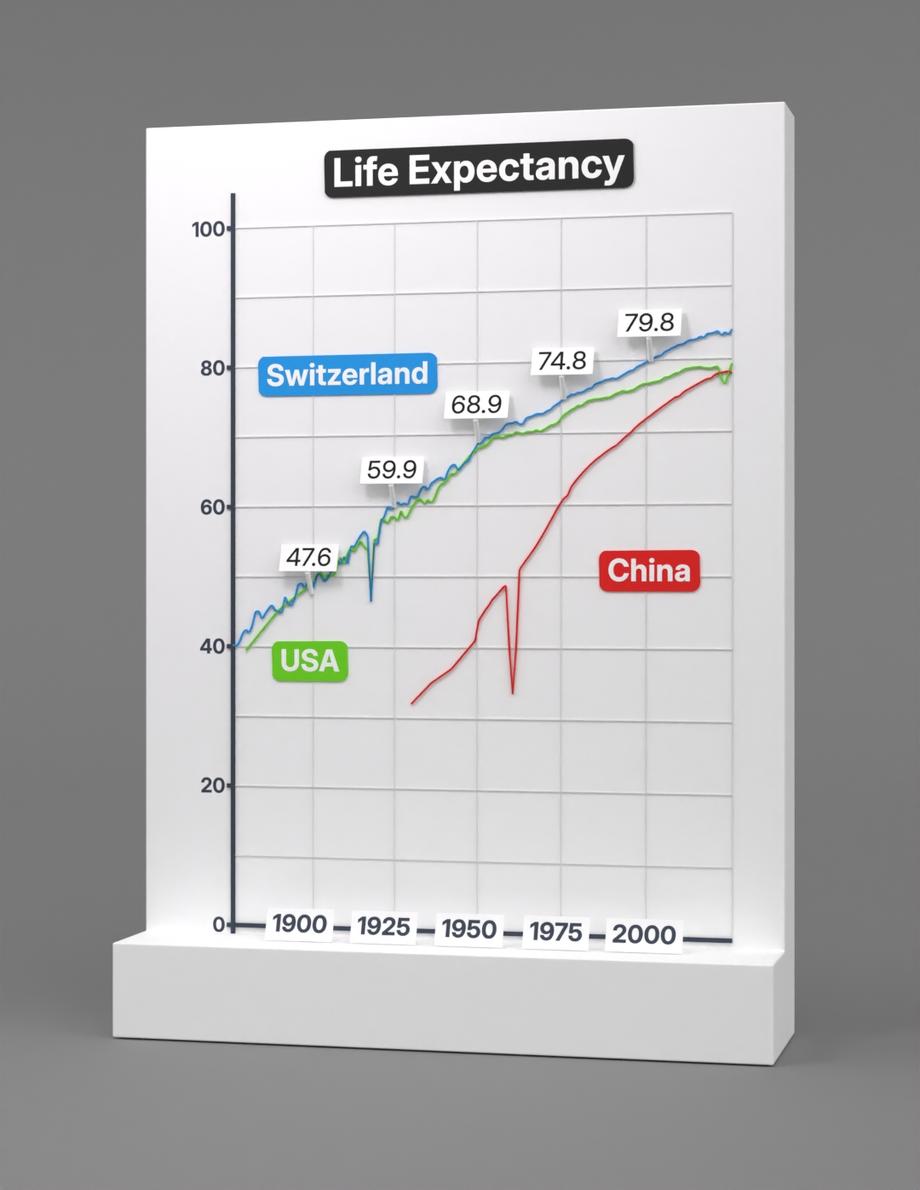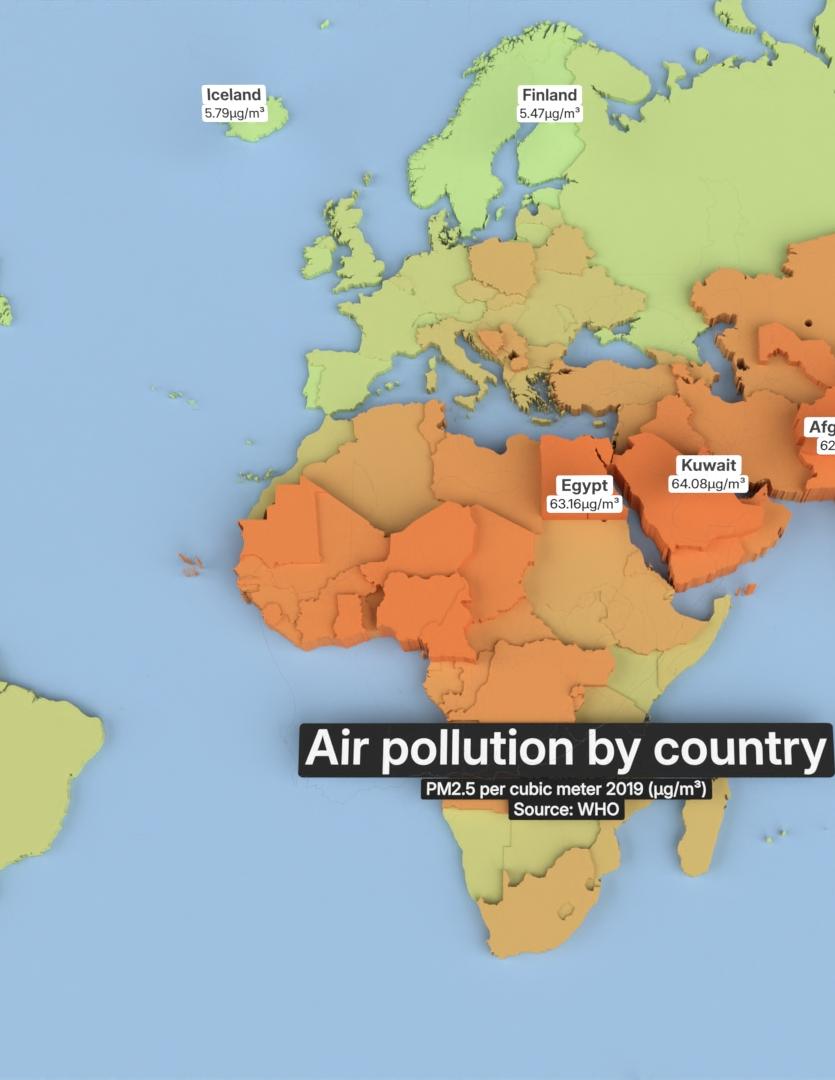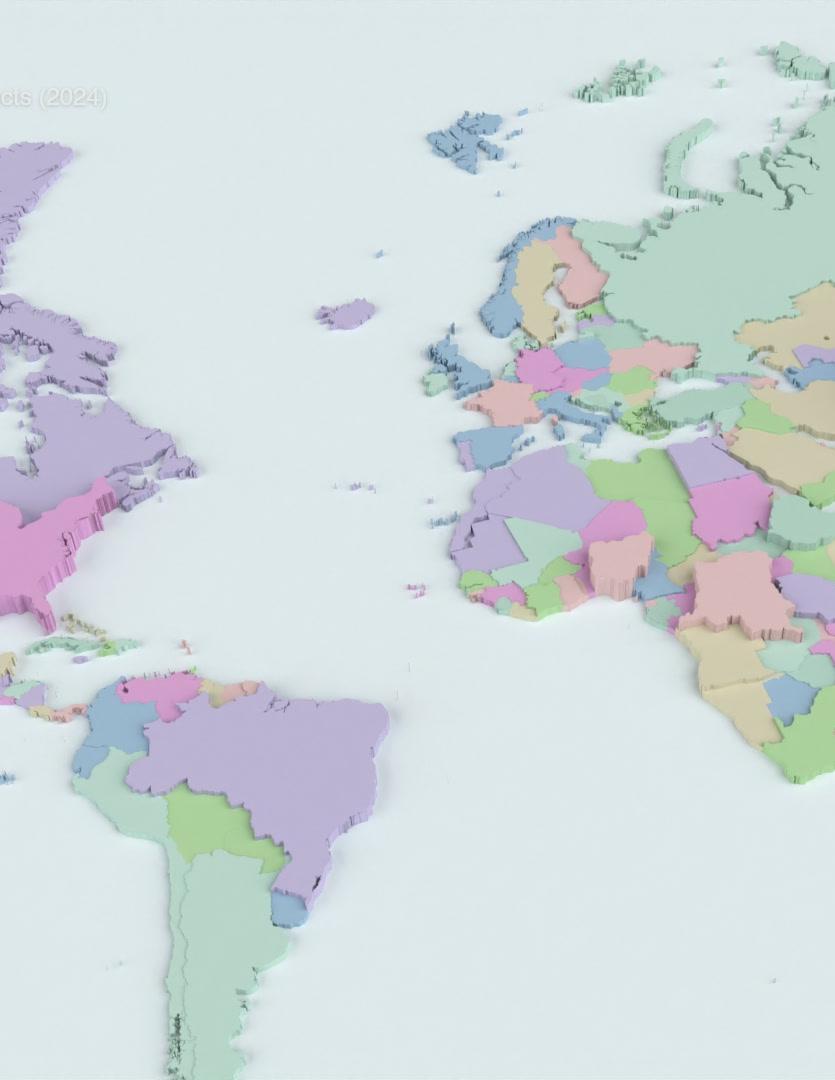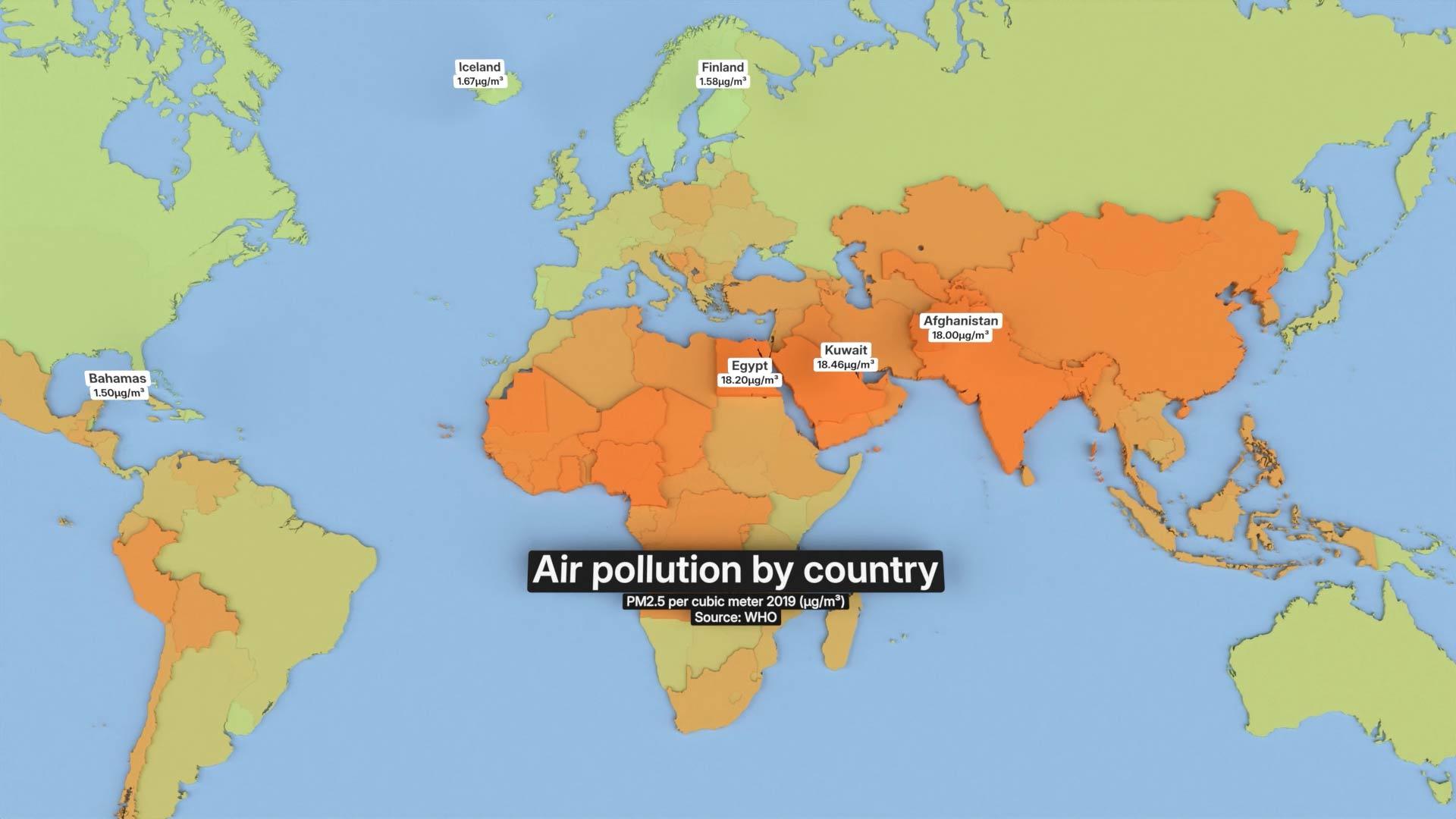
The Hydrant app is a powerful tool for cinematic data videos. Upload your data, choose a format, render in 3D.
With our templates also beginners prepare their videos in less than a minute. Our powerful cloud render servers handle production in the background often in less than 10 minutes.
Hydrant renders your data accurately. AI expands the visual possibilities. Use the built-in overlay comparison to verify every value before publishing — then cite it with confidence.²
Slice by year, region or category. Sort, color and map your values until the story is exactly yours.
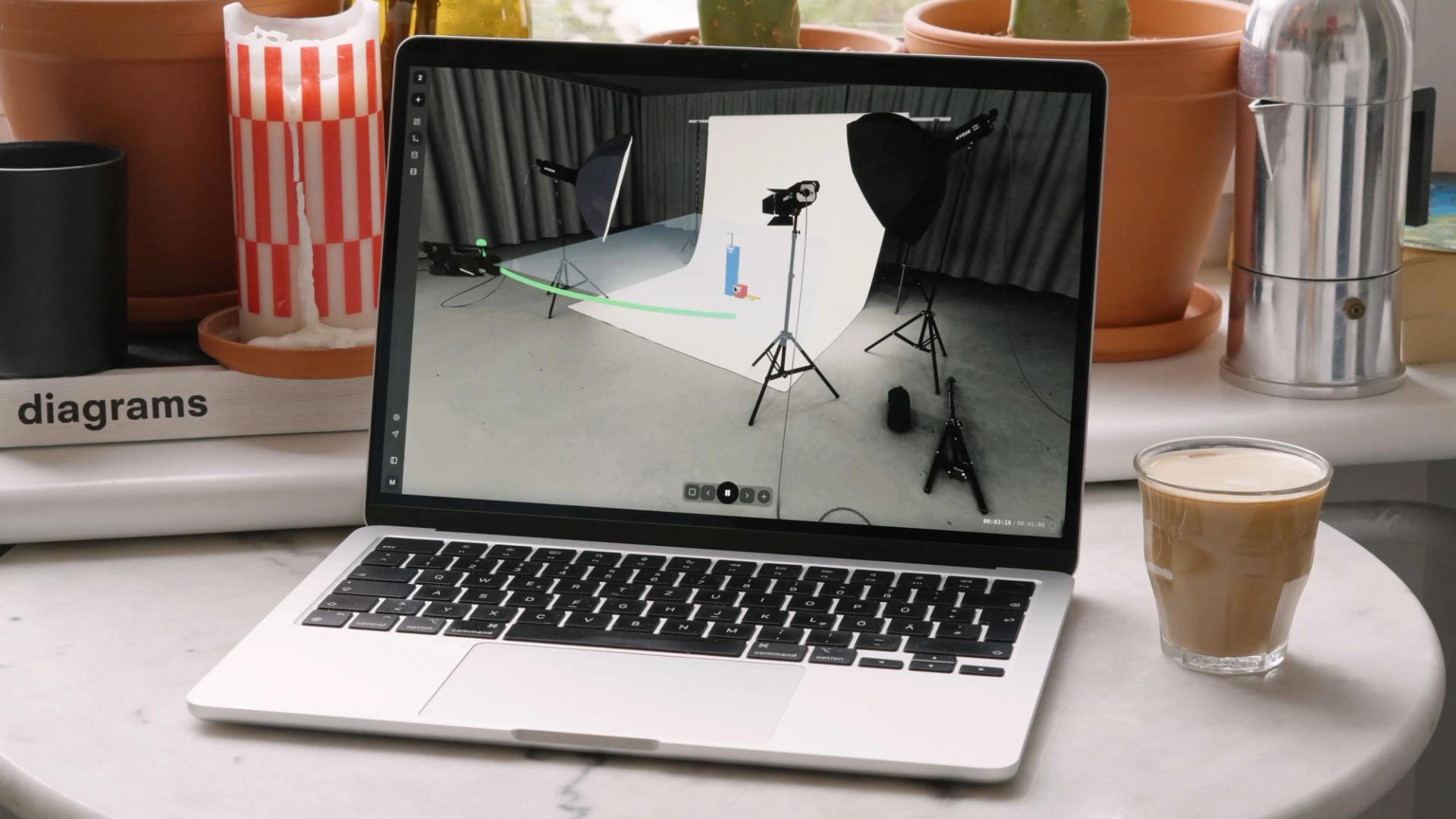
Load your numbers and watch patterns, stories and structures emerge that a spreadsheet never showed you.
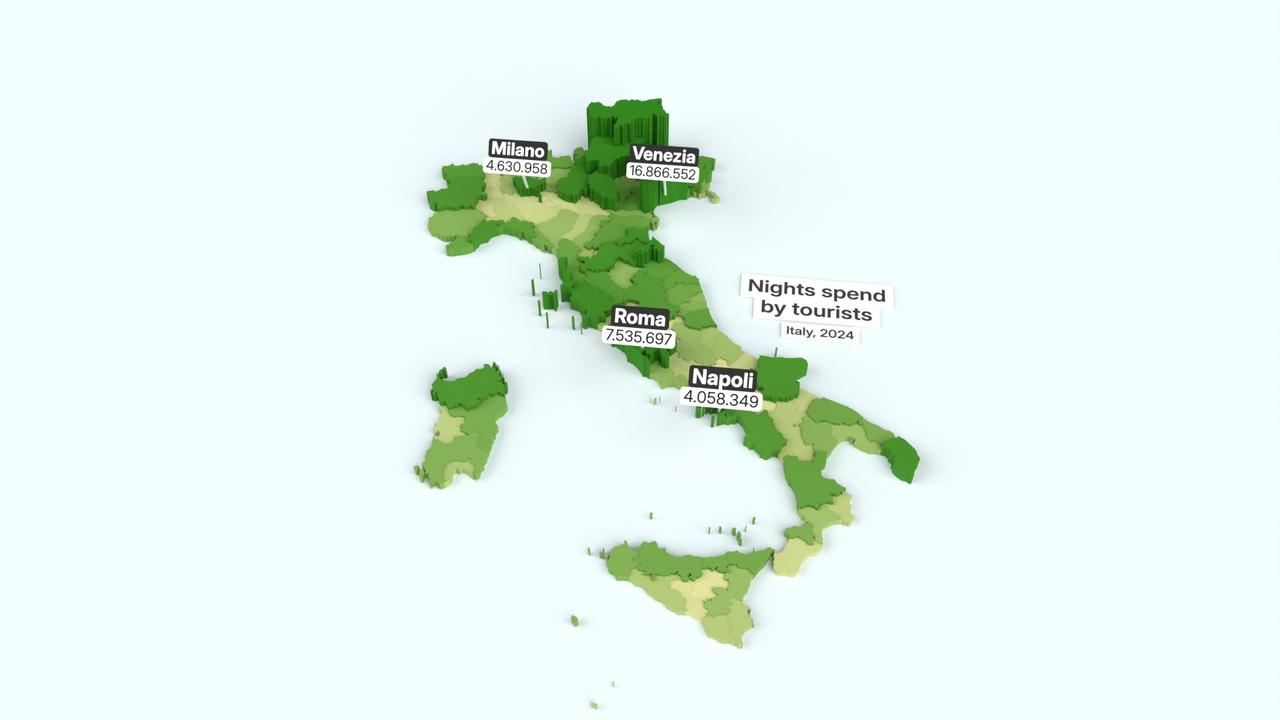

Pick the right output for every channel. From social and YouTube to TV, presentations, and print: without second-guessing resolution or format.
Start projects right from your phone, while our cloud handles the heavy lifting. Blender-powered rendering ensures professional, high-res results, while our solar servers do most of the work and AWS scales it when needed.